
Building Internal Tools Developers Actually Use
Internal tools fail when they optimize for demos instead of daily work. The best ones remove friction, fit existing habits, and stay reliable as teams and systems change. This article focuses on the practical choices that make developer-facing software worth maintaining.
Explore ↗
Start With the Job, Not the Interface
A useful internal tool begins with a sharply defined job to be done. Developers rarely need more screens or more configuration; they need a faster way to complete a recurring task with fewer mistakes. That means understanding the exact moment the tool will be used, the context around it, and what success looks like in practice.
Instead of asking what features the tool should have, ask what repeated work it should eliminate. Common examples include finding ownership, checking environment status, replaying a workflow, or gathering data from several systems that should not have to be checked by hand. The tighter the use case, the easier it is to make the tool feel obvious and indispensable.
- Map the recurring task before designing the workflow.
- Remove decisions that do not add value to the outcome.
- Design for the developer’s actual context, not an idealized one.
Make the Default Path the Good Path
Internal tools become trusted when the common case is straightforward. Developers should not have to interpret vague labels, remember hidden steps, or cross-reference other pages to understand what to do next. If a task has a normal path, the tool should surface it clearly and make deviations deliberate.
Good defaults reduce cognitive load. Pre-fill inputs from known context, keep terminology consistent with the systems developers already use, and expose only the information needed to move forward. If a choice is risky or irreversible, the interface should make that explicit before the action happens rather than after the fact.
- Use the same terms developers already use in chat, tickets, and code.
- Prefer one clear primary action per screen.
- Treat exceptional paths as exceptions, not as the main experience.
Design for Failure as Carefully as for Success
A developer tool is only as good as its behavior under partial failure. If one dependency is slow, unavailable, or returning incomplete data, the tool should explain what is happening and what the user can still do. Silent failure creates distrust; confusing failure creates abandonment.
Durability comes from graceful degradation. Cache safe data where it helps, make read-only views informative even when write actions are unavailable, and keep error messages tied to next steps. A tool that degrades predictably is easier to rely on during incidents, migrations, and other stressful moments when it matters most.
- Show what succeeded, what failed, and what is still usable.
- Separate unavailable data from missing data.
- Prefer actionable errors over generic failure states.
Keep the Maintenance Cost Visible
The least useful internal tools are often the ones that work only while a few people remember how they were built. Durable tools are easier to understand, change, and retire if needed. That starts with straightforward data flows, clear ownership of assumptions, and enough structure that future changes do not require reverse engineering the whole system.
Maintenance is also a product concern. If a tool depends on hard-coded logic, hidden permissions, or undocumented dependencies, it accumulates friction for both users and maintainers. Keep business rules visible in the implementation, document the parts that are intentionally opinionated, and avoid cleverness that only the original author can explain.
- Document assumptions where the code and the interface meet.
- Prefer simple workflows that are easy to trace end to end.
- Build so that future changes do not require tribal knowledge.
Measure Usefulness Through Behavior, Not Opinions
The best feedback on internal tools is not whether people say they like them, but whether they choose them when the alternative is available. Look for repeated use, reduced manual work, fewer handoffs, and fewer support questions around the same task. If a tool is technically complete but still bypassed, it may be solving the wrong problem or asking for too much effort.
Useful measurement does not require elaborate dashboards. You can learn a lot by watching where people hesitate, which steps they skip, what they copy into tickets, and which workarounds survive after launch. Those signals show whether the tool has become part of the workflow or remains an extra layer on top of it.
- Track whether the tool replaces manual steps or merely adds a step.
- Notice where users hesitate, backtrack, or abandon the flow.
- Use actual workflow patterns to decide what to simplify next.
Discover
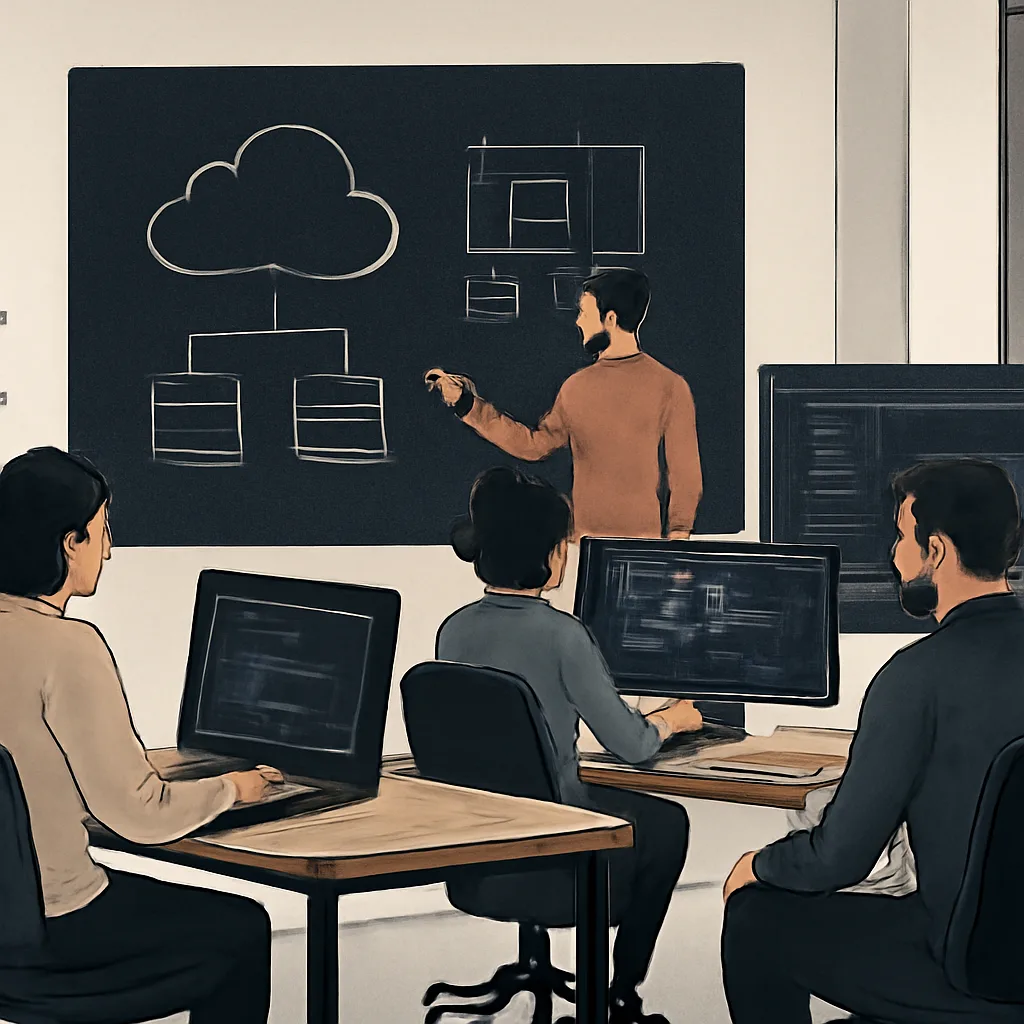
Designing a Maintainable Service Boundary
A practical guide to drawing service boundaries that reduce coupling, limit blast radius, and keep changes easier to reason about.
Choosing the Right Observability Signals
A practical guide to selecting logs, metrics, and traces that reveal what changed, what broke, and where to look first.
A Pragmatic Approach to API Versioning
Practical versioning strategies that preserve compatibility, support change, and keep APIs understandable for developers over time.
Reducing Deployment Risk in Small Steps
Practical release habits that lower deployment risk by shrinking change size, verifying early, and making rollback decisions simpler.